
CapCut
CapCut for Android is ByteDance's free mobile video editor for cutting clips, adding music, text and effects, and exporting short videos.
301.5 MB

2.4.8.4 · DU Recorder Team · Page updated
DU Recorder is a free Android screen recorder for capturing gameplay, tutorials and video calls, with basic editing of the recorded clips.
Average 0.0 · ratings: 0
Thank you! Your rating is saved; you can change it. Could not save the rating. Please try again later. Too many ratings from your network today. Please try again tomorrow. The average appears after 5 ratings.
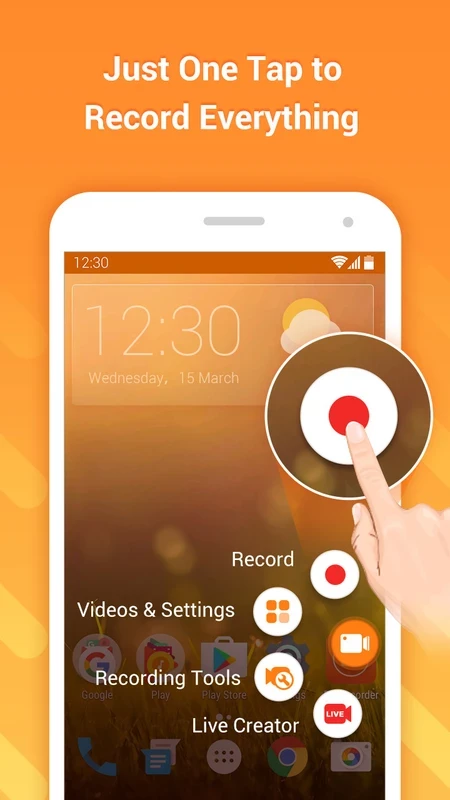
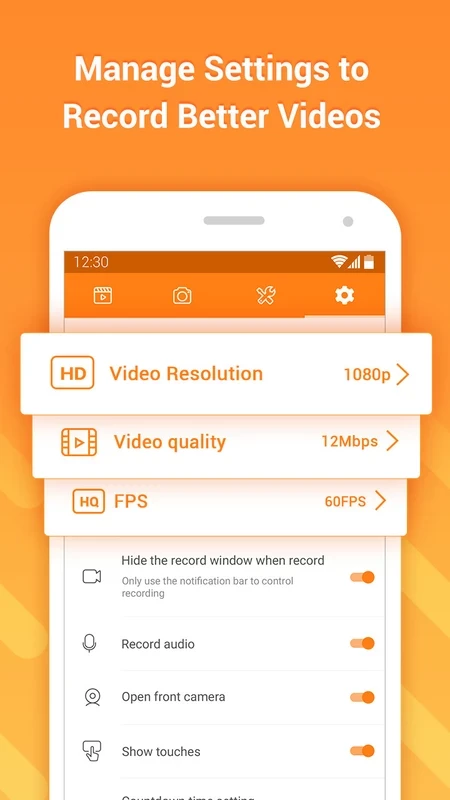
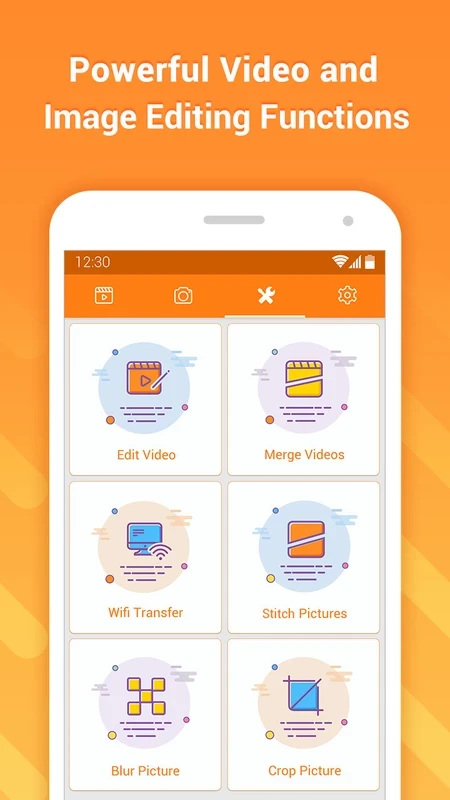
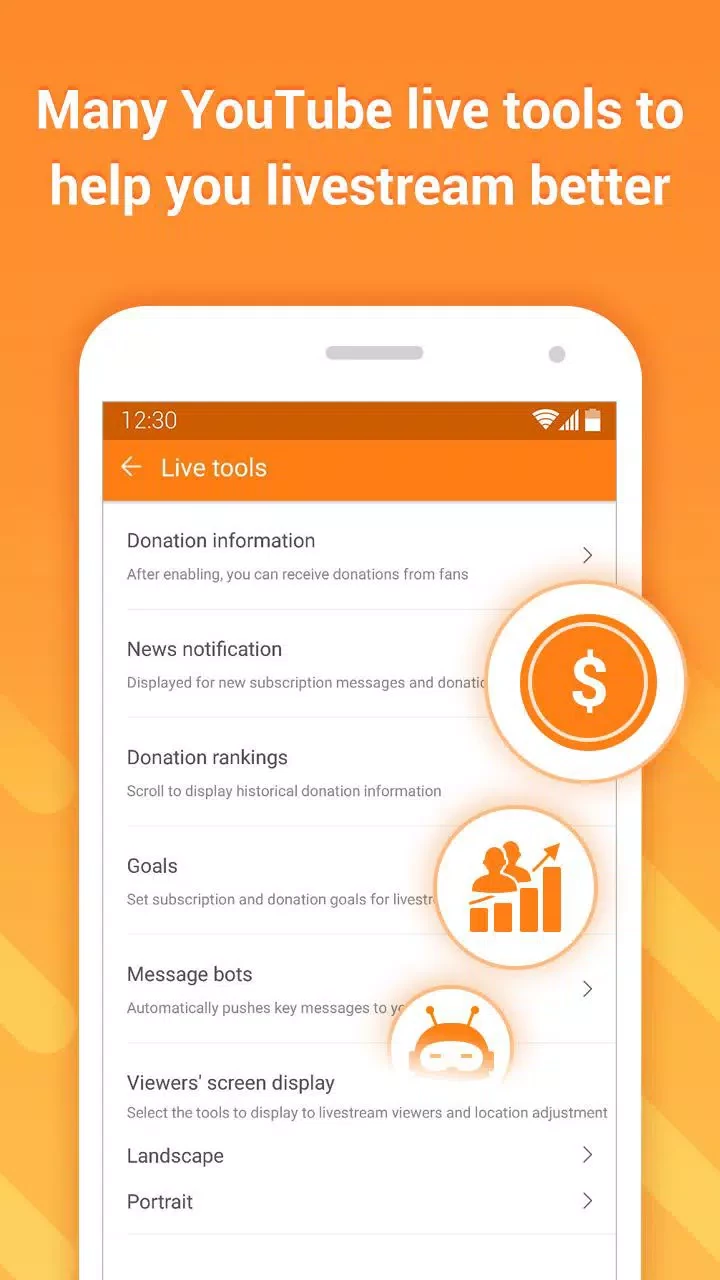
DU Recorder 2.4.8.4 is a free screen recorder for Android from the DU Recorder Team. It records what happens on the phone screen, with or without sound, and lets you trim the result before sharing. If you want to download DU Recorder for Android, use the developer's website; availability in Google Play may differ from region to region.
Screen recorders are used for all sorts of things: capturing a game session, showing a relative how to change a setting, saving a bug to send to a developer, or recording a tutorial for a course. DU Recorder became known as one of the apps that did this before most phones had a recorder built in. It records the screen as video, can take the sound from the microphone and, on supported devices, from the phone itself, and offers simple tools to cut clips and add basic effects. A floating button lets you start and stop recording without leaving the app you are filming. Many phones now ship with a system screen recorder that covers the basics, so a separate app is mainly worth installing if you need more control over quality settings, editing or a front-camera overlay.
The developer's site is du-recorder.com. The app does not currently have an official Google Play link in our data, so be careful with copies you find elsewhere. Unofficial APK sites often repackage popular recorders with extra adware, and a screen recorder is exactly the kind of app that should never be tampered with: it can see everything on the display, including passwords and messages.
Turn on do-not-disturb so notifications do not appear in the video. Choose a lower resolution if storage is tight or the phone struggles during games. Keep clips short and trim the start and end, where you are usually tapping the record button.
| Item | Details |
|---|---|
| Version | 2.4.8.4 |
| Developer | DU Recorder Team |
| Platform | Android |
| Licence | free |
| Size | about 34.26 MB according to catalogue data |
AZ Screen Recorder is another screen recorder in our listings. For editing recorded clips afterwards, look at CapCut, InShot, VN – Video Editor or YouCut.
CapCut for Android is ByteDance's free mobile video editor for cutting clips, adding music, text and effects, and exporting short videos.

YouTube for Android is Google's app for watching, uploading and live-streaming video. Version 21.38.130 is the current release listed here.

InShot is a video editor for Android phones used to trim, combine and prepare clips for social networks.

VN – Video Editor is a free Android app from VN, LLC for editing videos on a phone: cut and join clips, add music, titles and transitions.

Wink is an Android video editing app from Meitu that uses AI to improve video quality, retouch faces and apply effects to clips.

TikTok is a free short-video app for Android from TikTok Pte. Ltd. Version 46.9.42 is the latest Android build.

TikTok Lite is the official lighter version of TikTok for Android, designed to save data and suit phones with limited storage.